| Step 1: Display the Shortcut Menu |
| |
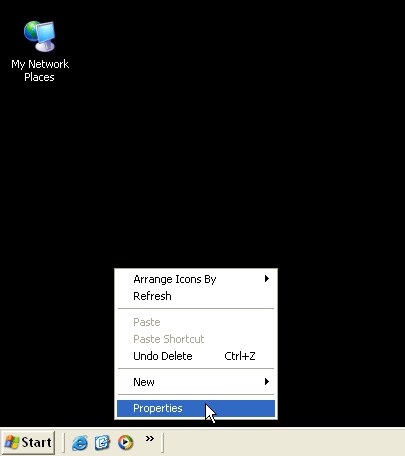
Right-click a blank part of the desktop and select the Properties command. |
| |
| Step 2: Display the Settings Tab |
| |
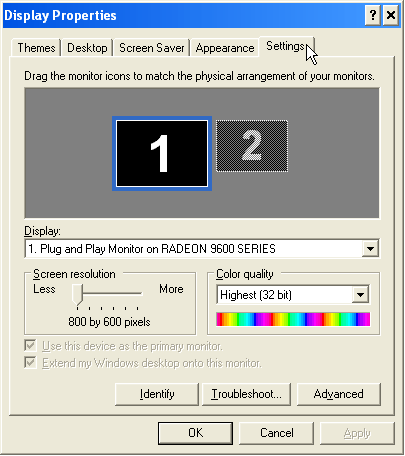
Click the Settings tab to display this set of display options. |
| |
| Step 3: Set the Screen Resolution |
| |
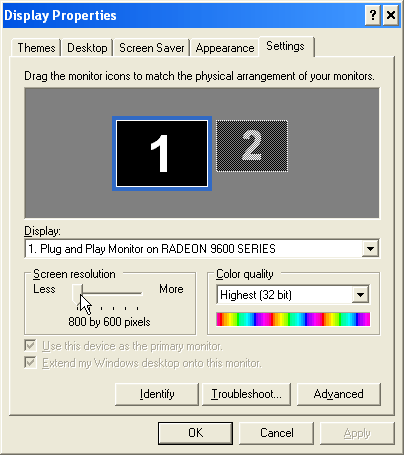 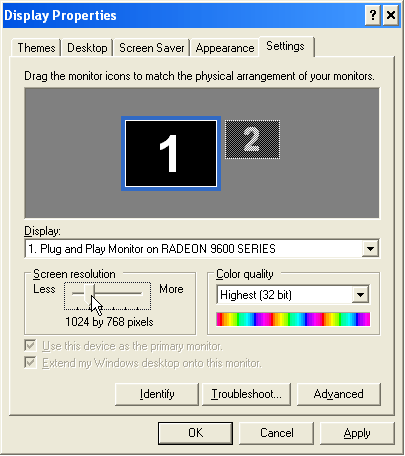
Drag the Screen area slider to set the resolution to 1024x768. |
| |
| Step 4: Confirm the Change |
| |
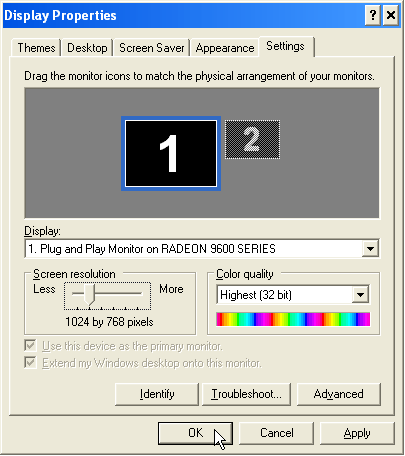
Click OK to confirm the change. |
| |